Hardware that fits service
Choose the right mix of TouchPoint terminals, kitchen displays, printers, handhelds and payment devices for the way your team trades.
Pricing examples
Every hospitality business trades differently. These examples show the investment an ICRTouch Hospitality setup, built with ICRTouch EPOS software and installed by hosPOSality, can involve—before we design a tailored recommendation for your venue.
We start with your service style, team, menu and trading priorities, then build an EPOS specification that earns its place behind the bar or on the floor.
Discuss your setupIndicative installation budgets
These guide ranges cover hardware, configuration, installation and training. Your final quote will reflect your venue, equipment and chosen modules.
Guide prices are indicative only and exclude ongoing service, software and payment-processing charges. We will provide a written quote once the required system has been scoped.
Make it yours
Choose your venue, equipment and ICRTouch tools, then request a tailored written quote. No payment or instant price promises.
The hosPOSality approach
No two venues run the same service. See how we shape the hardware, software and support around the way yours works.
The devices you need depend on how orders are taken, prepared and paid for. A straightforward till and printer costs less to set up than a system with handhelds, kitchen displays or self-service kiosks.
Worth considering: Choose reliable, service-ready hardware for the way your team actually trades; the lowest initial cost is not always the best value if downtime interrupts service.
Core sales and reporting may be enough for some venues. Extra software modules and licences can add capabilities, as well as an ongoing cost, when your operation needs them.
Worth considering: Select the features your team will use, and check which licences and modules are included in your written quote.
Connecting EPOS with other business tools can reduce double entry, but compatibility, setup work and any subscription fees need to be confirmed for your chosen services.
Worth considering: We will confirm which connections are supported and what they cost before recommending them for your setup.
Support is about keeping service running, not just fixing faults. The scope of installation, training and ongoing assistance can affect both your setup and recurring costs.
Worth considering: Agree what happens if a device or connection fails during a busy shift, and choose support that fits your opening hours.
More tills, handhelds and locations mean more hardware and configuration. Multi-site reporting and shared setup may create efficiencies, but the actual costs depend on your specification.
Worth considering: Your quote will show the equipment, licences and setup needed for each site; any shared-licence or volume savings must be confirmed rather than assumed.
What shapes your quote
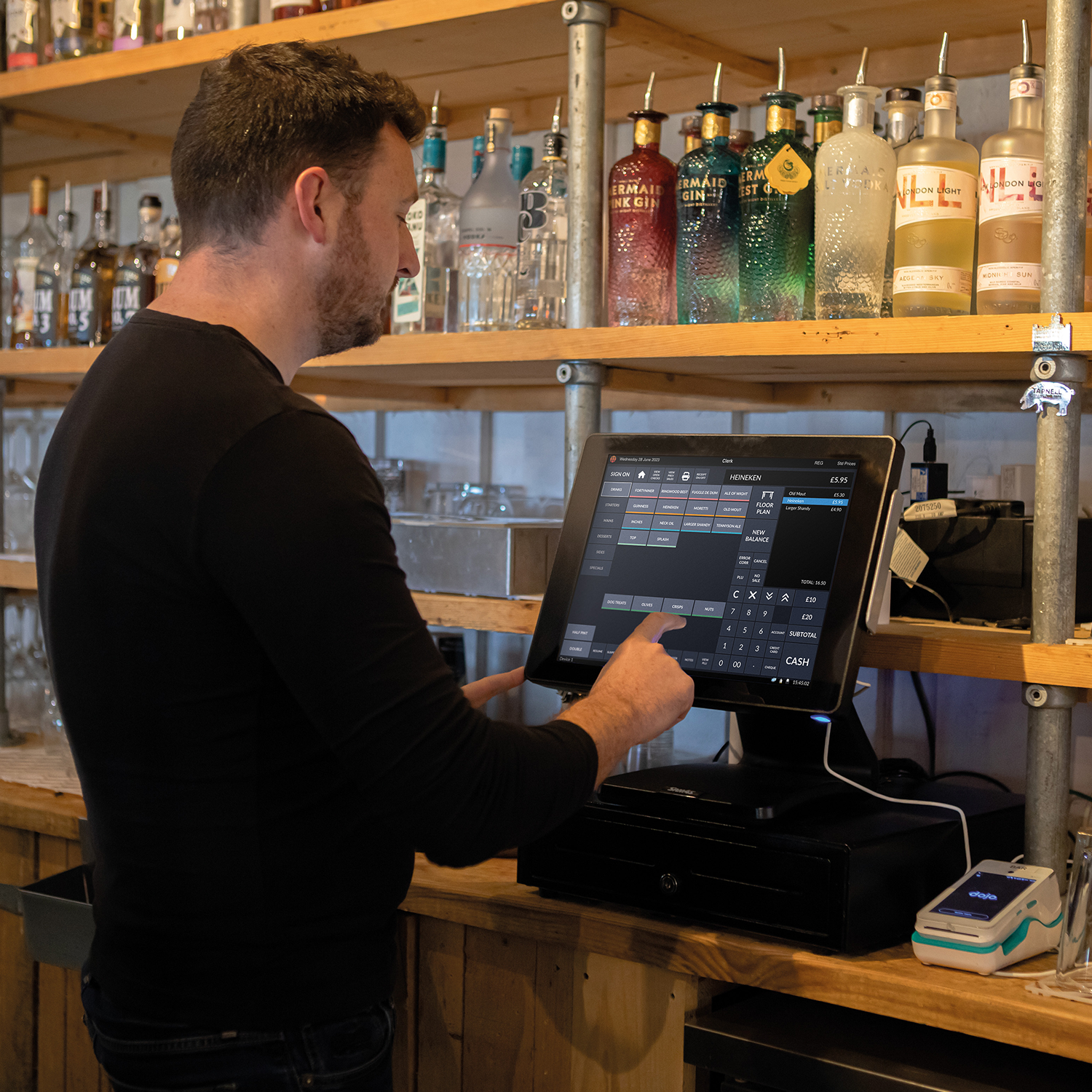
Choose the right mix of TouchPoint terminals, kitchen displays, printers, handhelds and payment devices for the way your team trades.
Add the ICRTouch tools that matter to your venue, from table management and stock control to loyalty, reservations and reporting.
Accounting, online ordering and multi-site reporting can be planned into a system that grows with your operation.
Programming, staff training and ongoing support are scoped around your team and the level of on-site help you need.
Designed for the long term
Every hosPOSality installation is planned around a reliable ICRTouch foundation and the way your team works in service.
Keeps your ICRTouch software, cloud access, product improvements and the selected modules working for your business.
Provides the ongoing expertise, maintenance and refresh training that help your business keep trading with confidence.
Payment costs depend on your provider, volumes, card mix and settlement needs. We can help you compare the practical options.
Frequently asked questions
If you need a clearer answer for your operation, our team can talk through the equipment, ICRTouch modules and support options in plain English.
Many businesses choose a lease or finance arrangement. We can discuss the available routes once the right system configuration has been established.
Payment terminals and processing can be incorporated into the recommended setup. The right arrangement depends on your trading volumes and operational requirements.
Yes. ICRTouch is modular, so additional terminals, handheld ordering, kitchen screens, stock control or multi-site reporting can be introduced as your business evolves.
We scope the configuration, prepare your menus and setup, install the required hardware, train the relevant team members and support you through go-live.
Your tailored estimate
Tell us how you trade, and we will shape a clear hosPOSality proposal around the ICRTouch ecosystem that fits your business.
Get your tailored quote